
Run the office cash tin properly.
Floats, cash spends and top-ups, receipts, approvals, and counts that explain every cent, so petty cash never goes missing.
- Count the tin and explain every variance, never fudge it
- A second pair of eyes approves spends above a threshold
- Capture a receipt for every spend and pack them for your accountant
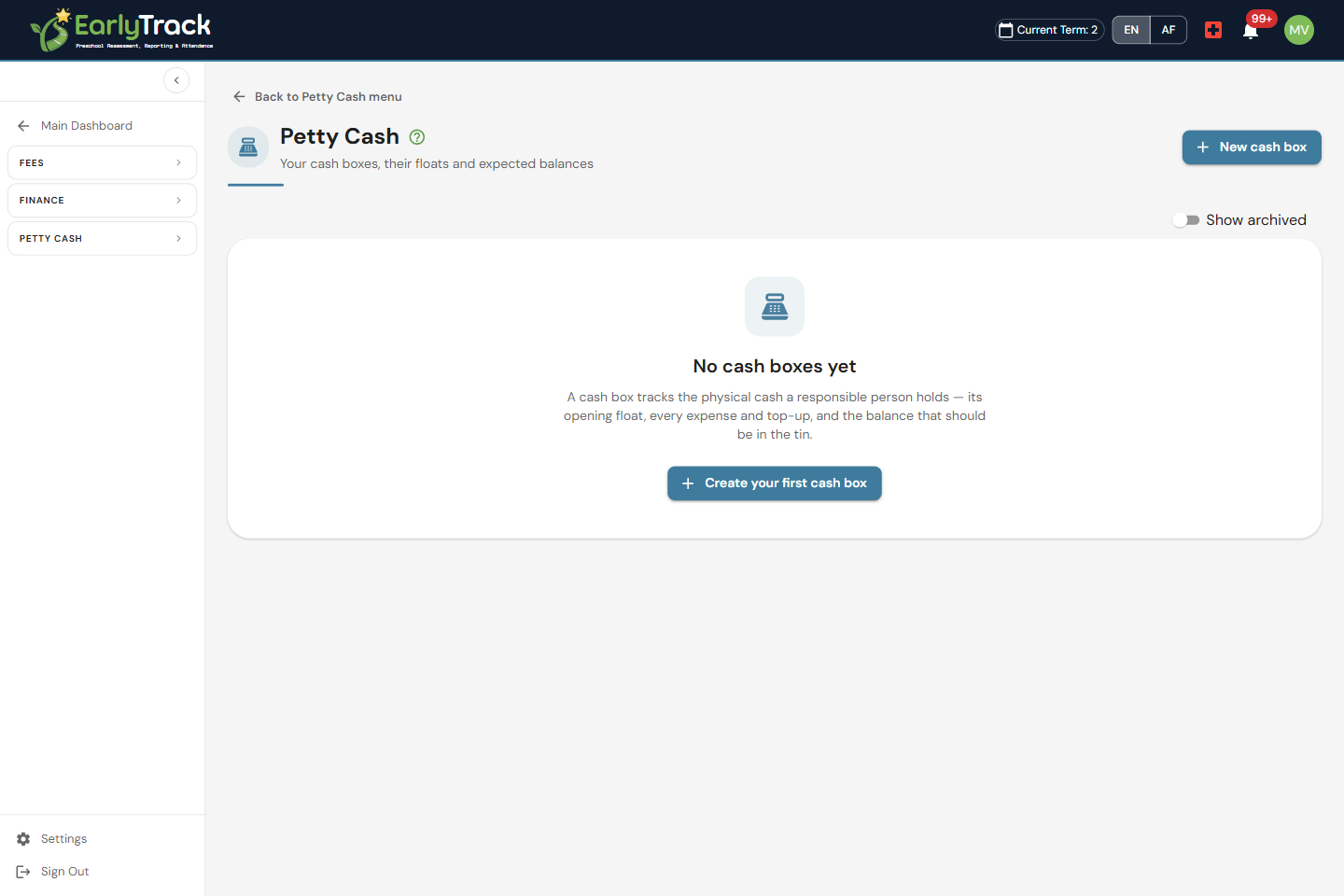
Every box has a custodian and a live balance
Most preschools run more than one tin: an office float, a tuck-shop box, sometimes a separate outing kitty. EarlyTrack lets you set up a cash box for each one, give it a float and a custodian, and then watch its balance update on its own as expenses, top-ups and adjustments go through. Because the balance is always live, you never have to add up a shoebox of slips to find out how much should be in the tin, the system already knows, and so does whoever is responsible for that box.
Count the tin, explain the difference
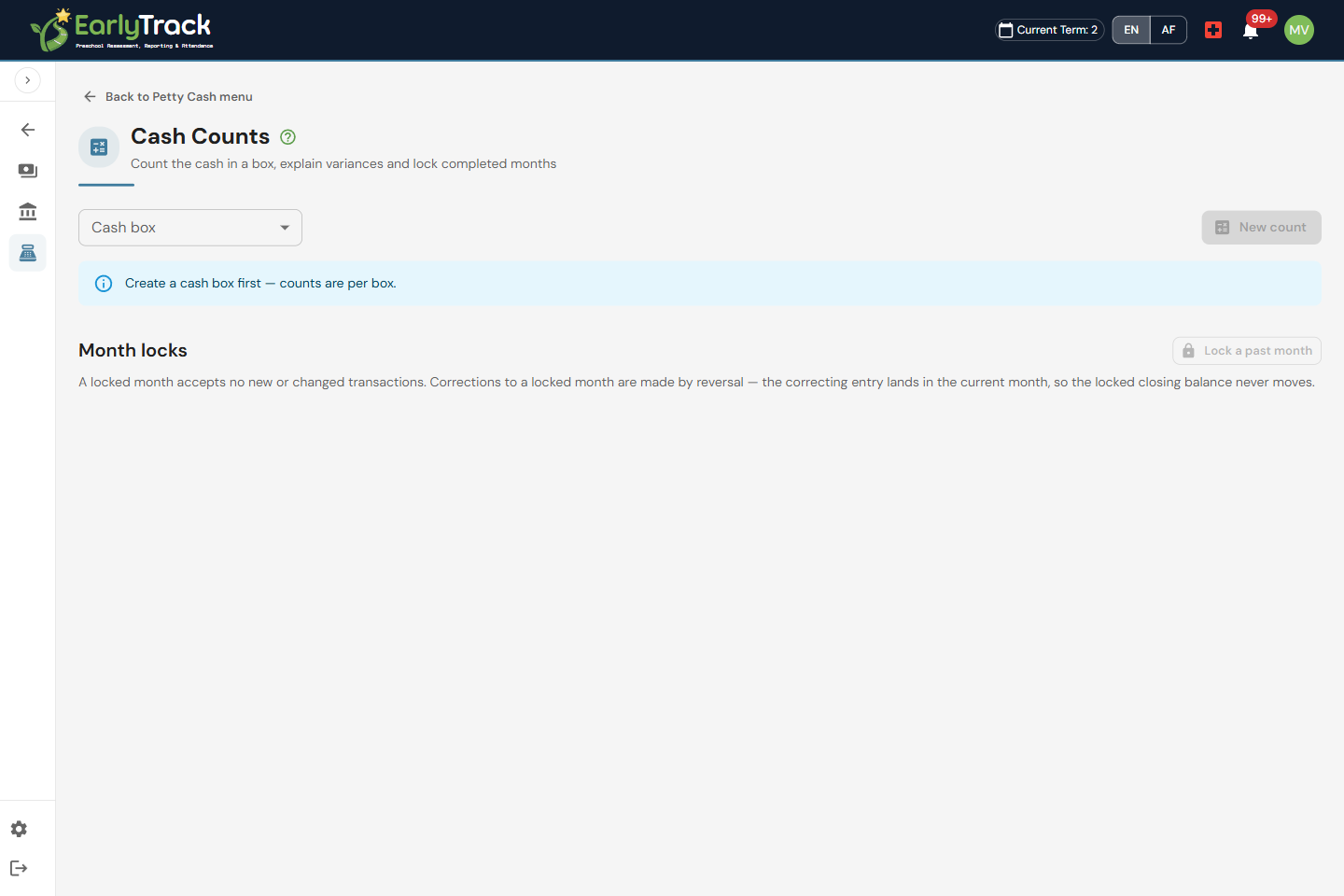
The point of petty cash is that the box should always balance. Count the real cash on hand, and EarlyTrack compares it to the system balance. If there is a variance, you record it and explain it with a reason, you never just fudge the number. Once you are happy, lock the month so those entries can't change.
A second pair of eyes on every spend
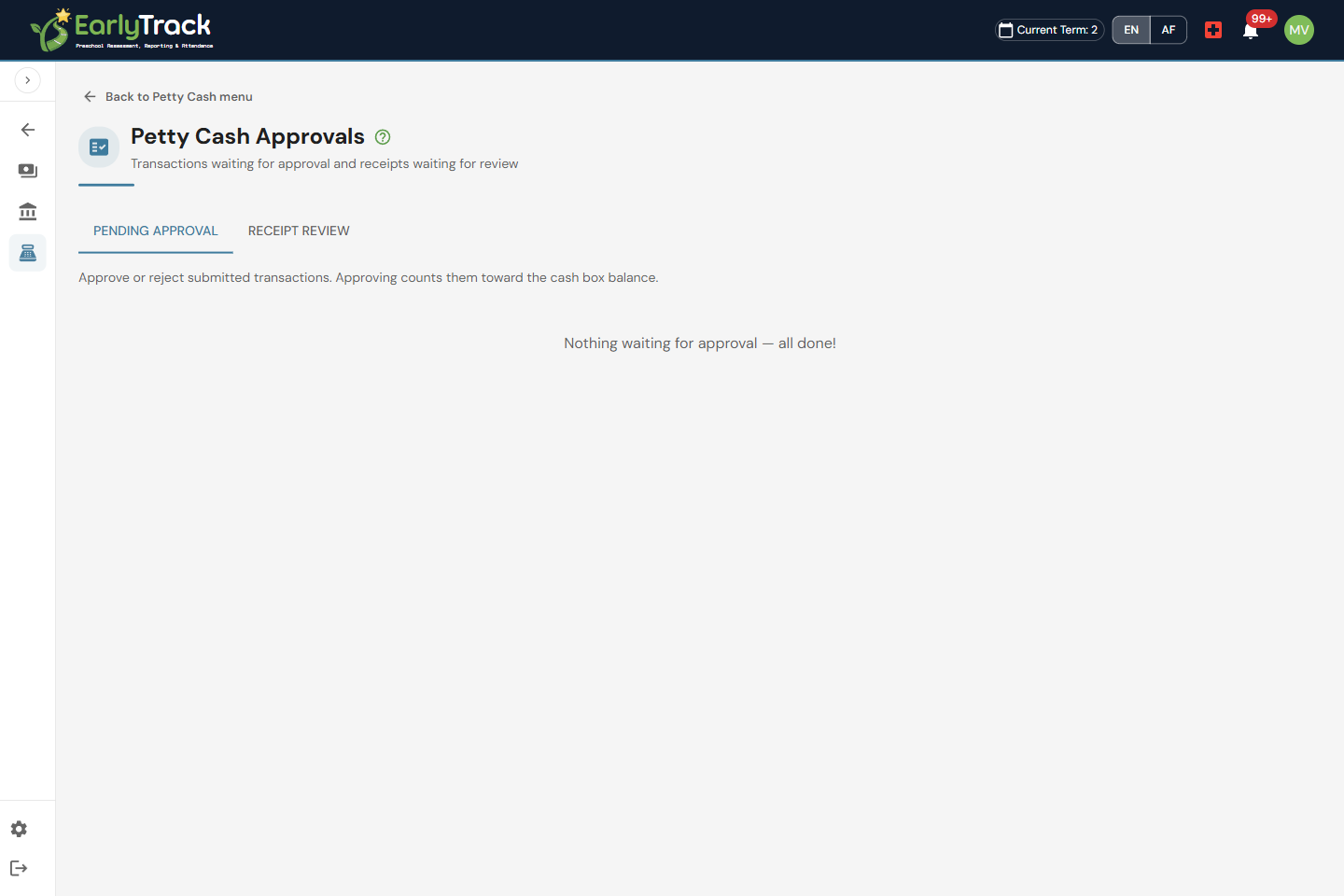
Capture cash expenses and top-ups as they happen, with a receipt against each one. Spends above a threshold route through a second-person approval workflow, so no single person controls the cash on their own. And when staff need money, they raise a cash request that is submitted, approved, issued and reconciled, all in one place.
Month-end that hands itself to the accountant
At month-end the work is usually pulling slips out of an envelope and hoping they add up. EarlyTrack turns that into a few clicks: run the reports for each box, bundle the receipts you captured into receipt packs, and reconcile the period so the counted cash, the spends and the top-ups all tie out. Once a month balances you lock it, which freezes those entries so nothing can be changed after the fact. Your accountant gets a clean pack with a receipt behind every line, instead of a shoebox.
What's included
Petty Cash is part of EarlyTrack Complete.
Cash you can account for, every rand
Petty Cash is designed so the box can never quietly drift, and you can always show exactly what went in, what went out, and who signed it off.
Counts catch a drifting tin
Every cash count compares the cash you physically count to the system balance, and any difference must be recorded with a reason, so a slow drift is caught and explained, not ignored.
A second person on bigger spends
Spends above a threshold route through an approval workflow, so one person never controls the cash on their own.
A receipt behind every spend
Capture a receipt against each spend, see entries flagged when one is missing, and bundle them into receipt packs for your accountant.
Lock the month once it balances
After you have run your counts and the box balances, lock the month so the petty cash entries for that period can no longer be changed.
Petty cash questions, answered
Get the office cash tin under control
The 14-day free trial gives you full access and the full Finance Suite, including Petty Cash, with no credit card required.
Start your free trialNo credit card. Full access. Cancel any time.